Heltec Support
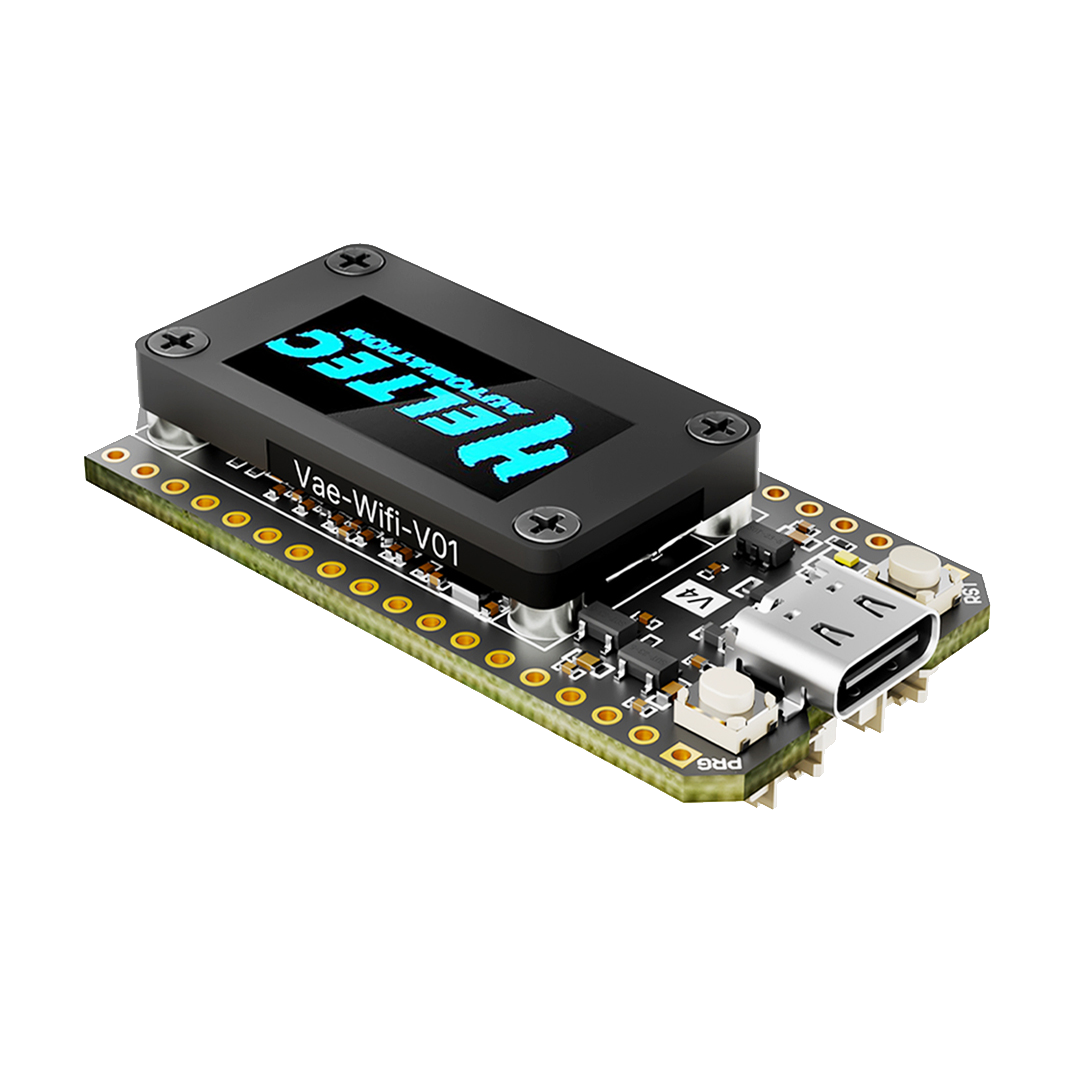
Note: The following content only applies to hardware V4.3 and above
-
Meshtastic 2.7.20: On the device, use the PRG button to navigate to “System” → “LoRa”, where you can choose to enable or disable LNA.
-
MeshCore 1.15.0: LNA is enabled by default and cannot be modified.
- You can download the firmware from this link, which has LNA disabled by default: LNA Disable
- With the firmware from this link, LNA can be toggled via button long press: LNA configurable
- We have submitted a PR. In the near future, official firmware will also support toggling LNA via command line or button.