- Please note that the device must be placed outdoors in an open area. A position near a window is not sufficient.
- Please allow sufficient time for acquisition. The first GNSS fix may take longer in some regions.
- Check your software settings to confirm the function is enabled.
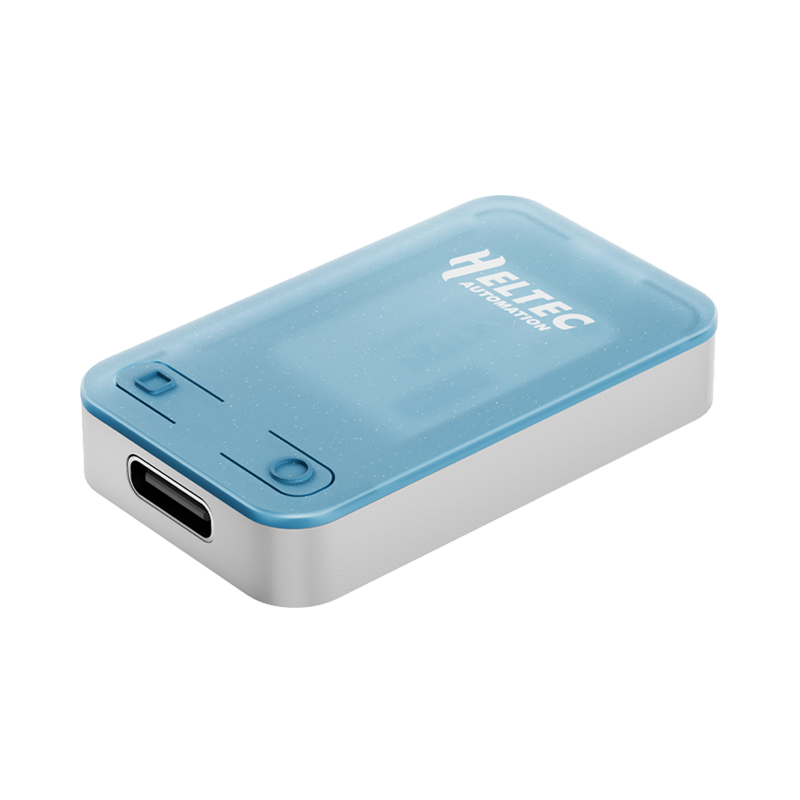
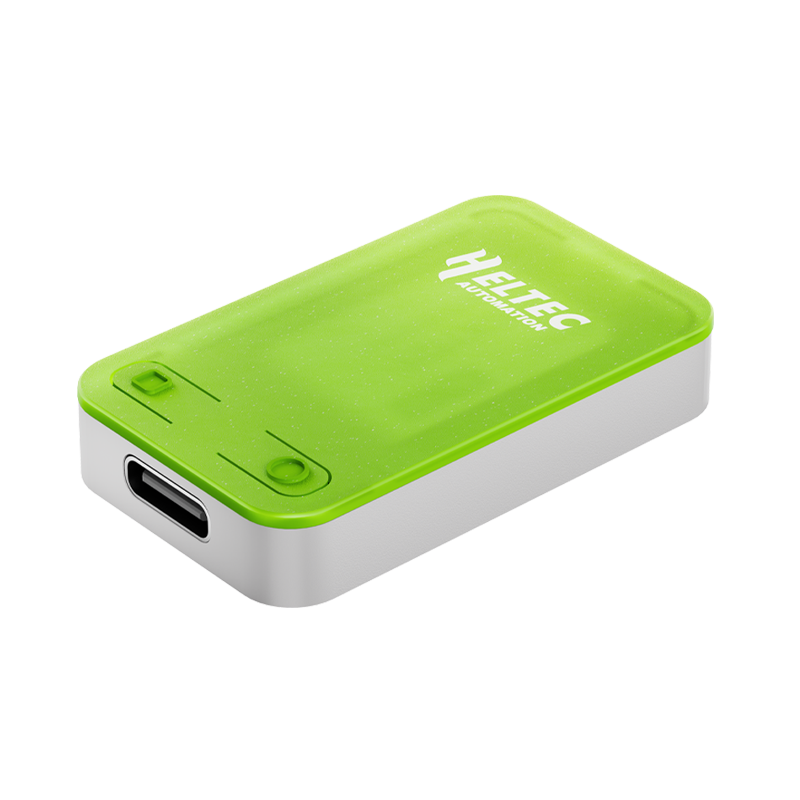
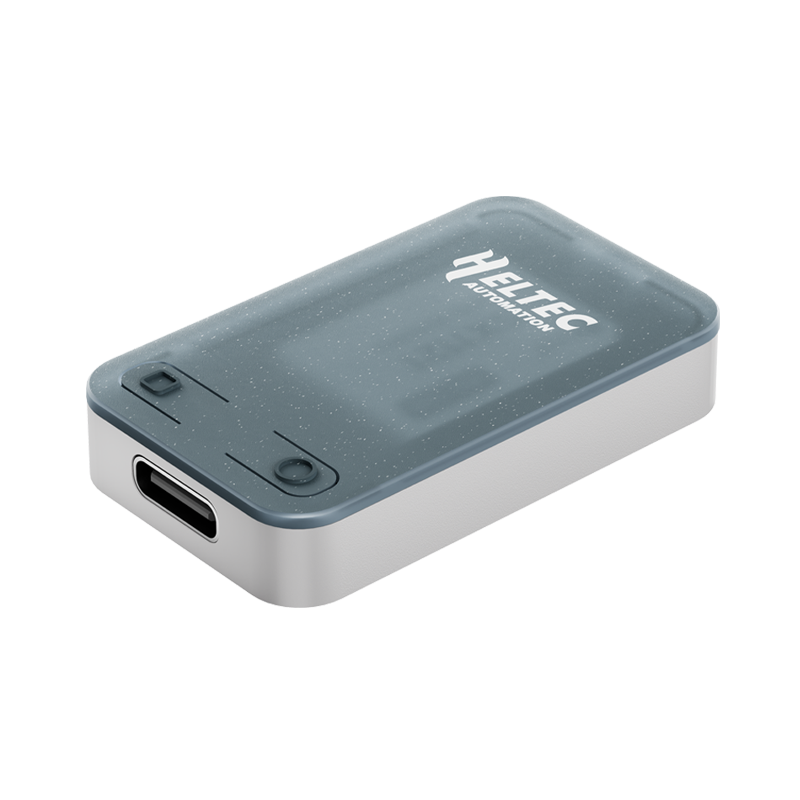
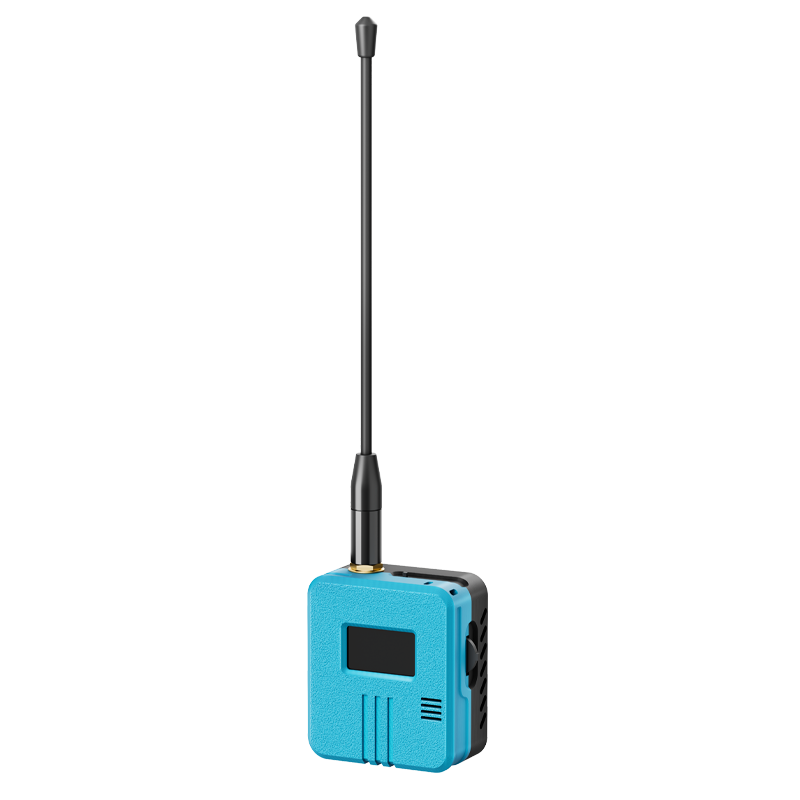
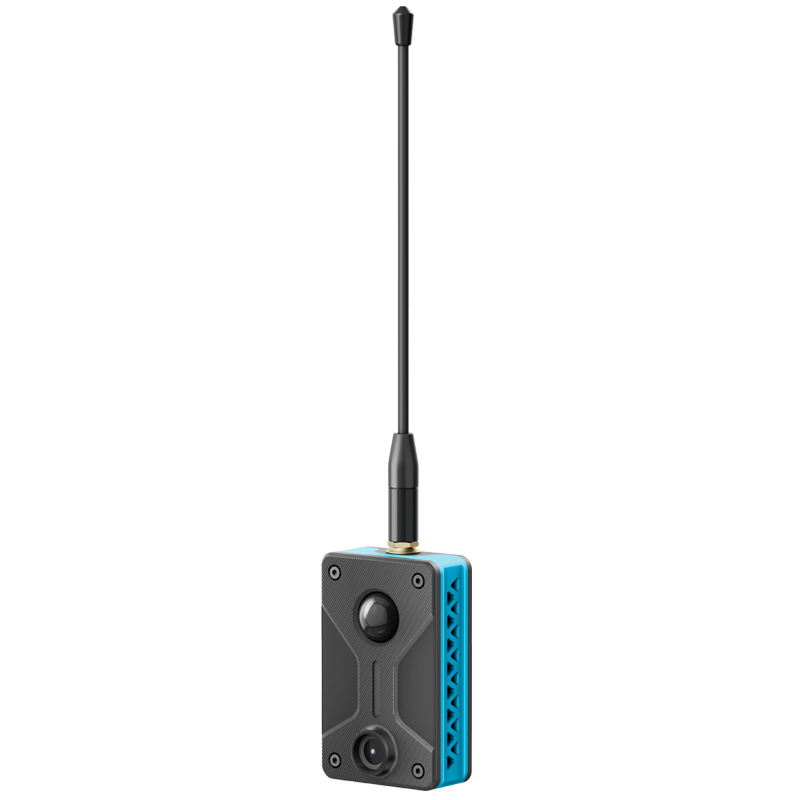
RD-GB01 Mesh Networking RadioCore Gadget
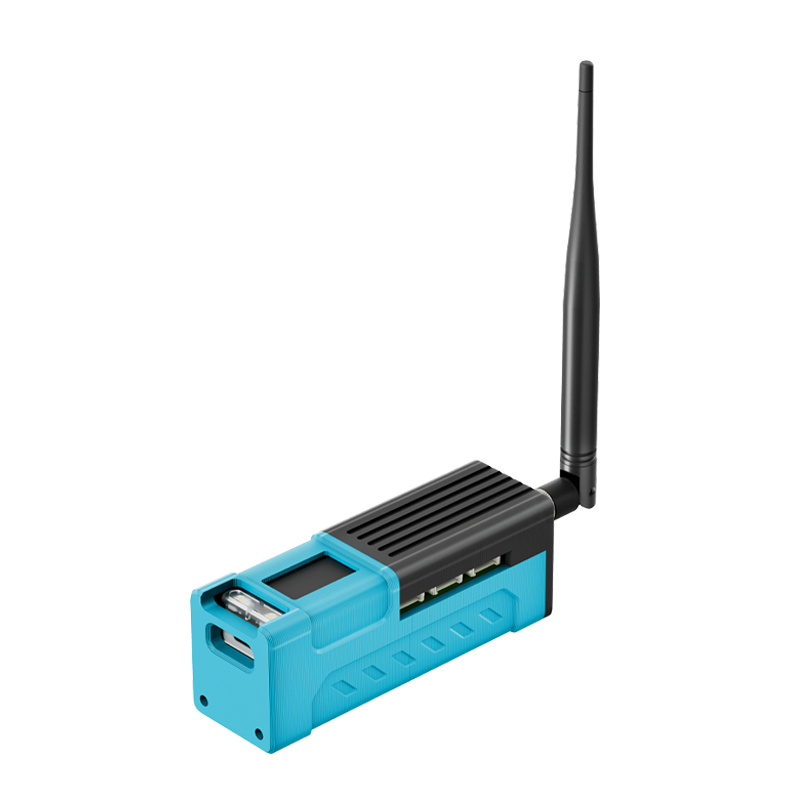
Mesh networking gadget based on RadioCore, 18350 battery, GNSS, LoRa Mesh Node
RD-GA01 is an expansion kit of the RadioCore series. It is compatible with the LoRa versions of RC32 and RC52. The board integrates GNSS, buzzer and 18350 Li-ion battery.
Note: The battery is pre-soldered and cannot be replaced by the user.
You May Also Like

RD-GA01 Mesh Networking RadioCore Gadget
Mesh networking gadget based on RadioCore, nRF52840, 1.08 inch TFT display, 1800mAh battery, 9-axis IMU, GNSS, LoRa Mesh Node
$36.90
RS-CP01 PIR & Camera RadioCore Gadget
PIR camera gadget based on RadioCore, OV3660. ESP32 + MM6108, 3D printed case
$20.90
RD01 Smart Home RadioCore Gadget
Smart home gadget based on RadioCore, sensor slot kit for RC32
$34.90
RDC1 Pendant Mesh Networking RadioCore Gadget
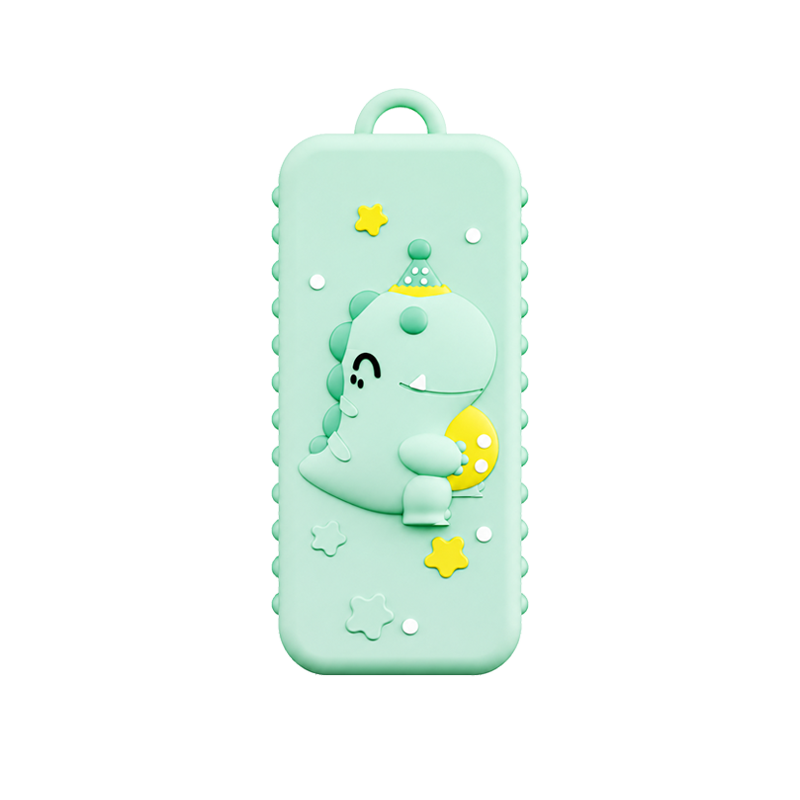
Mesh networking gadget based on RadioCore, GNSS, pendant with a silicone casing, no battery, external power supply.
$20.90Compare Difference
Current product
RD-GB01 Mesh Networking RadioCore Gadget
Summary
RD-GB01 is an expansion kit of the RadioCore series. It is compatible with the LoRa versions of RC32 and RC52. The board integrates GNSS, buzzer and 18350 Li-ion battery.
Note: The battery is pre-soldered and cannot be replaced by the user.
Specifications
| Parameters | Description |
|---|---|
| Enclosure Material | PLA |
| Process | FDM |
| Battery | 18350 Li-ion |
| GNSS Module | Quectel L76K (L1) |
| Antenna | Specification |
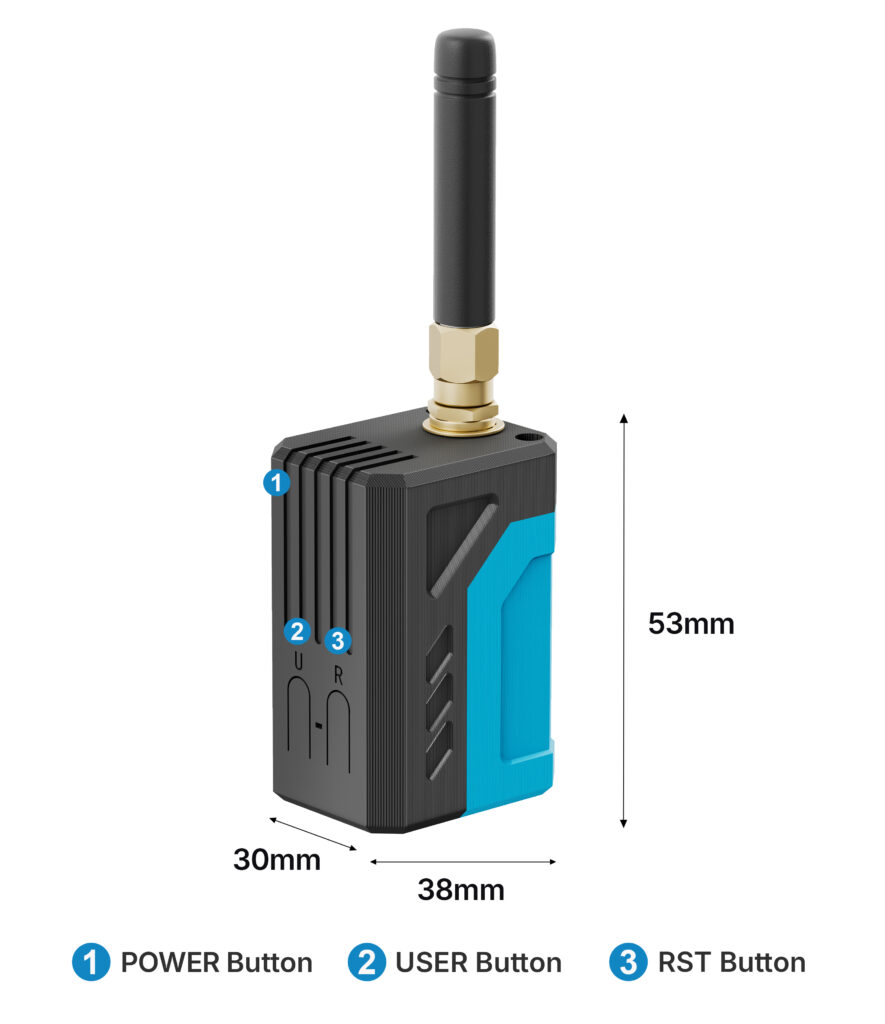
| Dimensions | 30×53×38mm |
| Compatible MCU | RC32, RC52 |
Internal Structure

Dimensions

Packing list
The default packing list without selecting any accessories is as follows:
| Item | Quantity |
|---|---|
| RadioCore | x1 |
| LoRa Antenna | x1 |
| Battery | x1 |
| RD-GB01 Base Board | x1 |
FAQ
Q01No GPS signal received
Q02Failed to flash firmware:
-
If your main board is RC32, enter bootloader mode with the steps below:Hold down the USER button, press the R button once, then release the USER button. After flashing, press the R button to reboot the device.
-
If your device is RC52, double-press the R button to enter DFU mode. Simply drag and drop the firmware file to the pop-up drive
No Reviews Yet
Customer reviews for this product will appear here when available.
Contact
Markdown is supported. Switch between editing and previewing your message.